
Pads
Eight pads, sixteen CCs
Each pad sends two control changes, one for each axis, on its own channel. The CC numbers and live values run along the bottom of the pad, and pads keep moving while you switch screens.
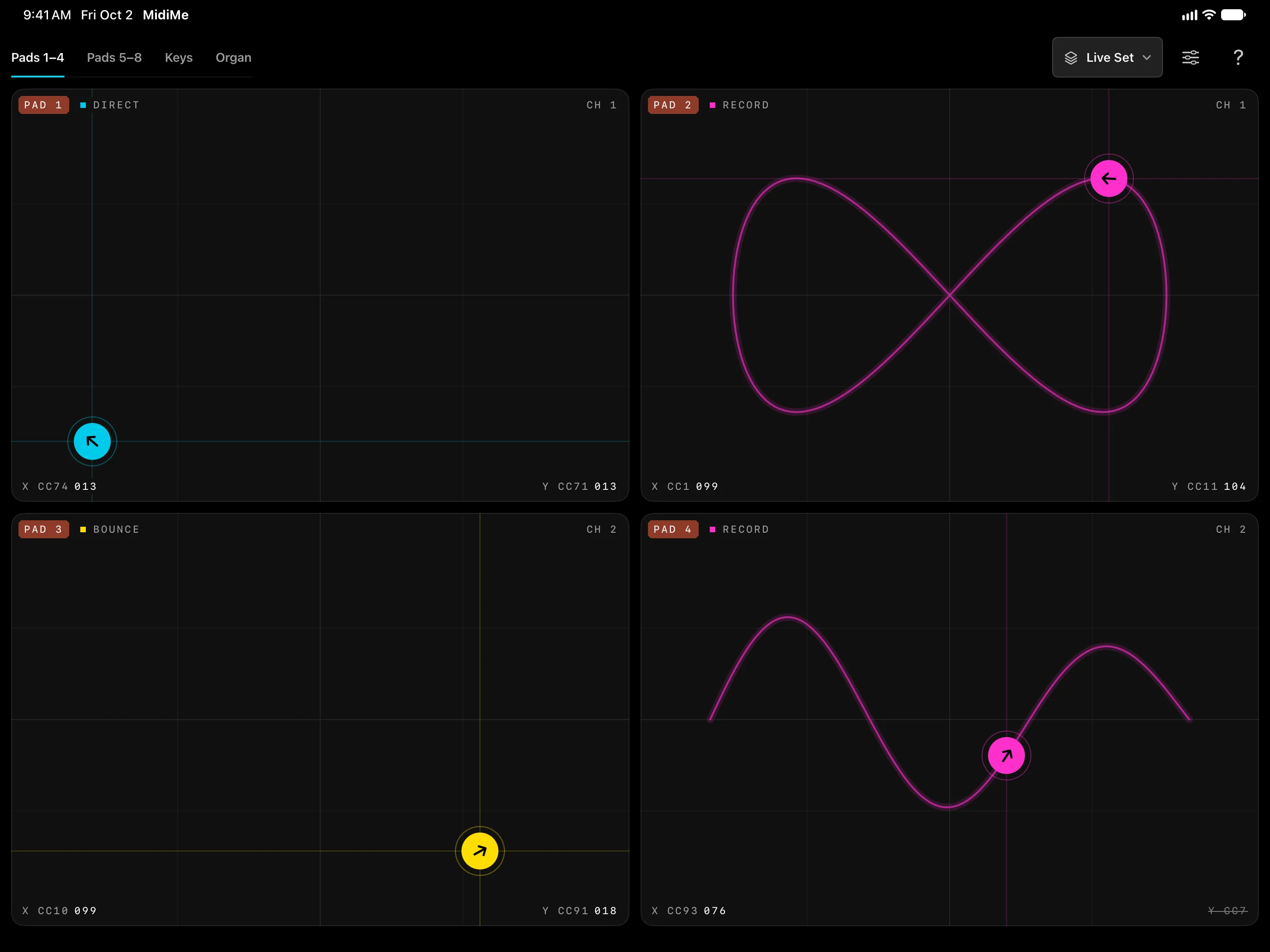
Draw a gesture on an XY pad and it loops. Flick the puck and it bounces on its own, sweeping filters, sends, and synth parameters while you play.
Coming soon
Coming soon to the App Store. Free to download. Unlimited presets are a one-time $5.99 purchase. Requires iOS 17 or later.
Pad modes
A knob stays where you leave it. A MidiMe pad can keep moving: record a gesture and it loops, or flick the puck and let it bounce, so your hands are free for the keys.
The puck follows your finger and stays where you leave it, like a pair of knobs on one surface.
Draw a movement and it starts looping the moment you lift your finger, timing and all. Draw again to replace it; tap once to clear it.
Flick the puck and it keeps going, bouncing off the edges. A faster flick sends it faster; tap once to stop it.
Pads
Each pad sends two control changes, one for each axis, on its own channel. The CC numbers and live values run along the bottom of the pad, and pads keep moving while you switch screens.
Keys
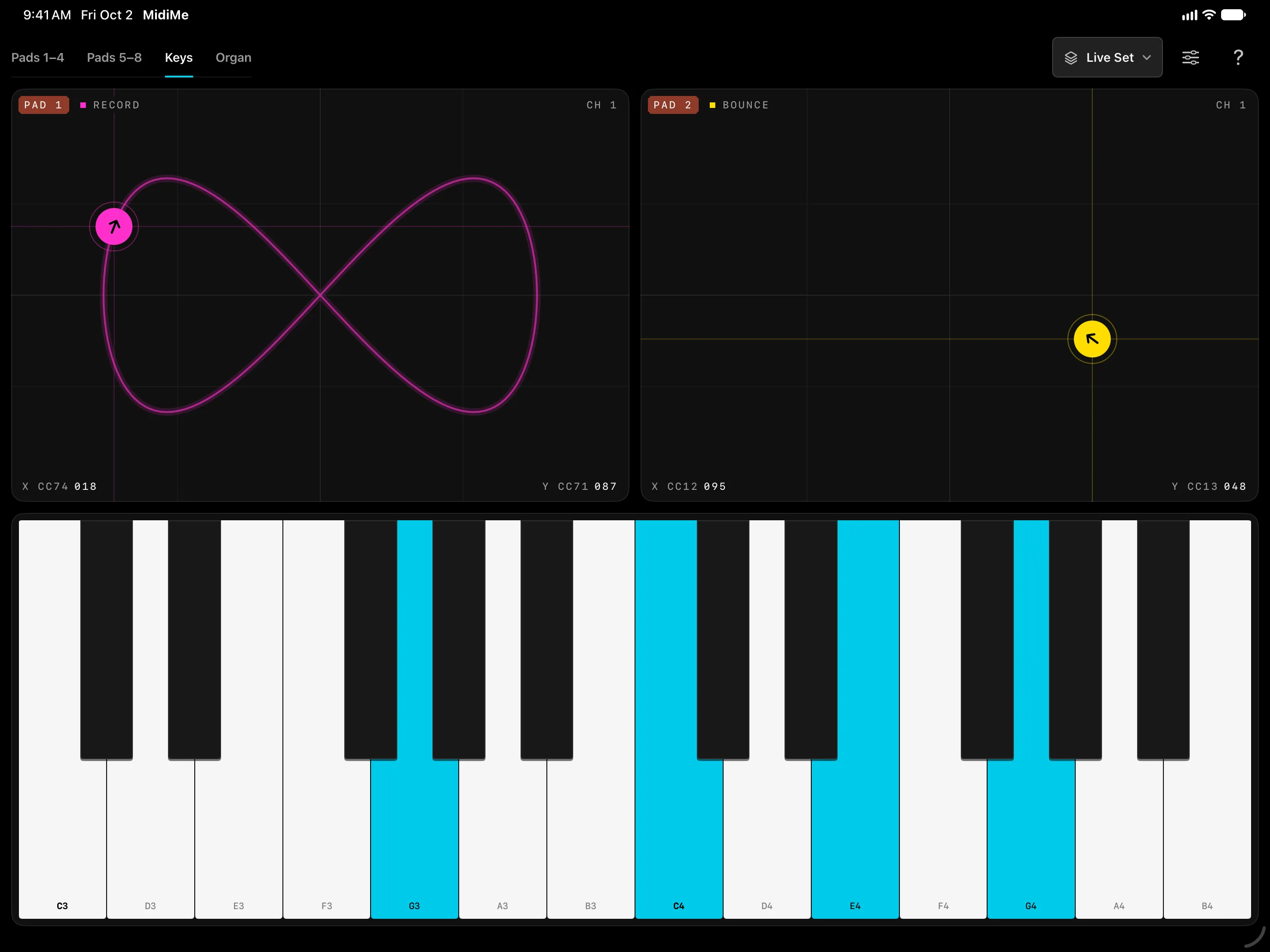
Two pads sit above a keyboard. Every new chord restarts your recorded gestures, so a filter sweep lands with each change, and dragging a pad replays the last chord you played.
Organ
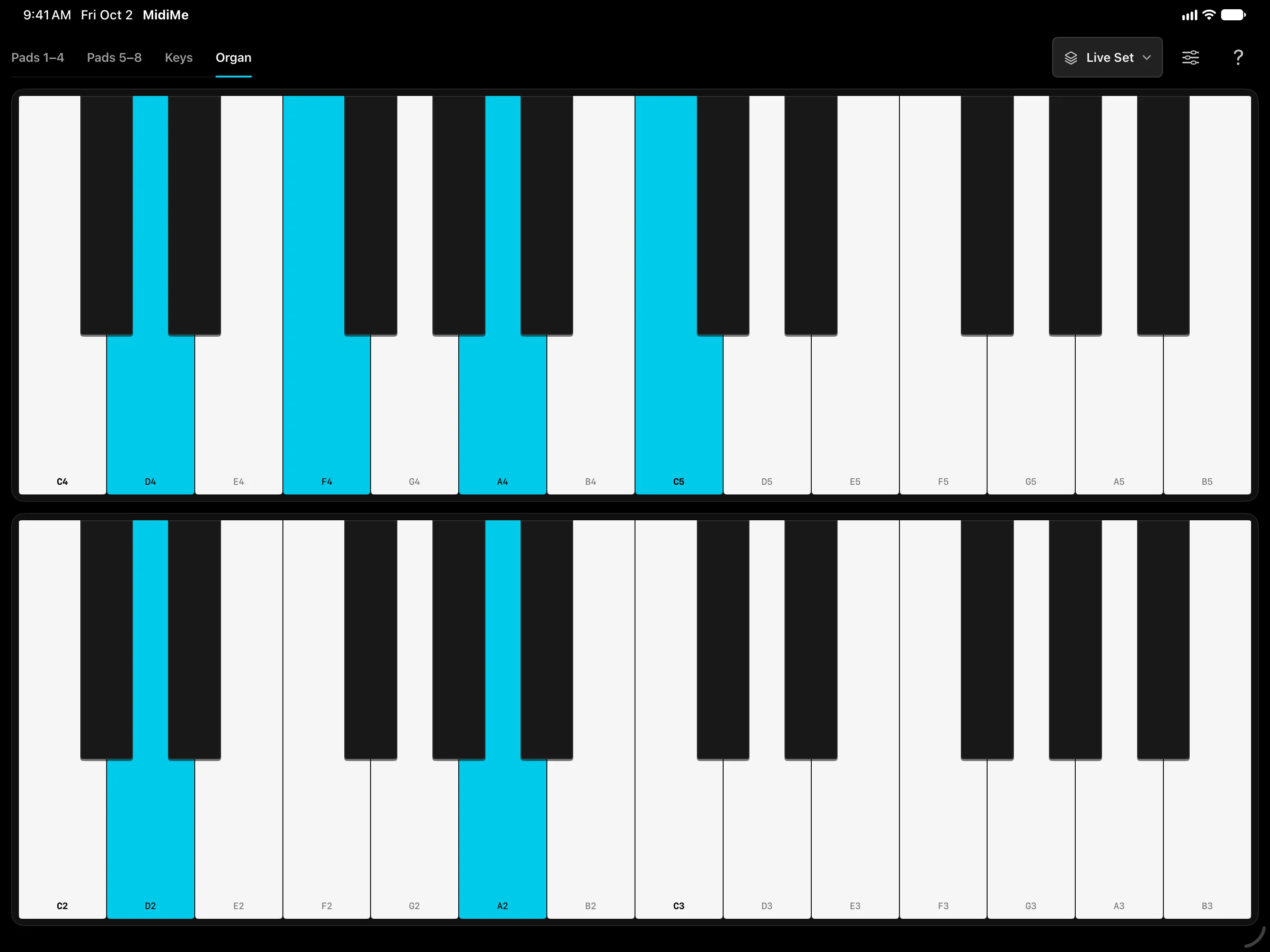
Two stacked keyboards play one instrument in two registers, or two instruments on two channels. Touch near the back of a key to play softly and near the front to play loudly; shift octaves and choose 12 or 24 keys.
Settings
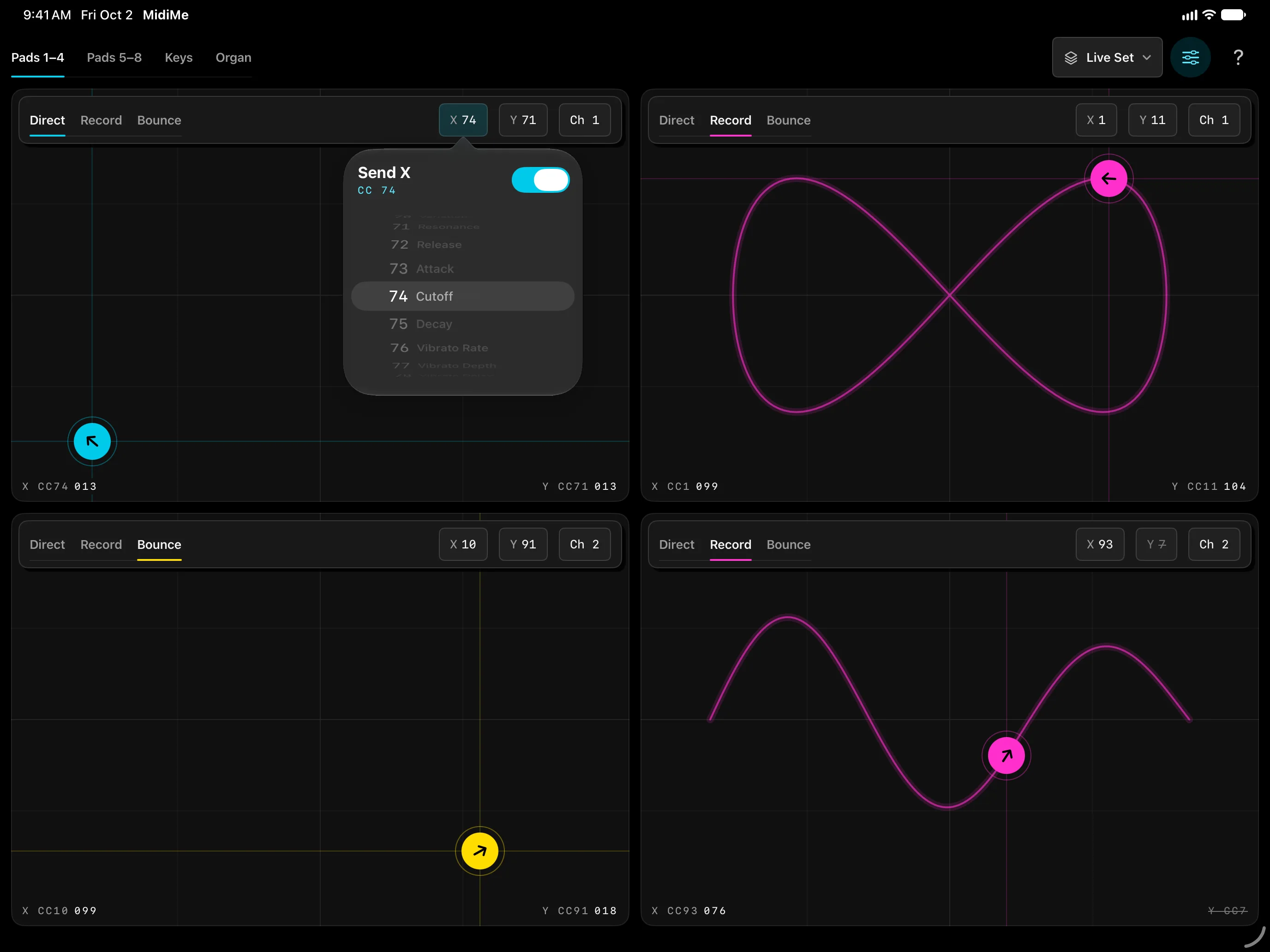
Pick a mode, a CC number for each axis, and a channel, all from the pad itself. The CC list names the common controls, and either axis can be switched off.
Presets
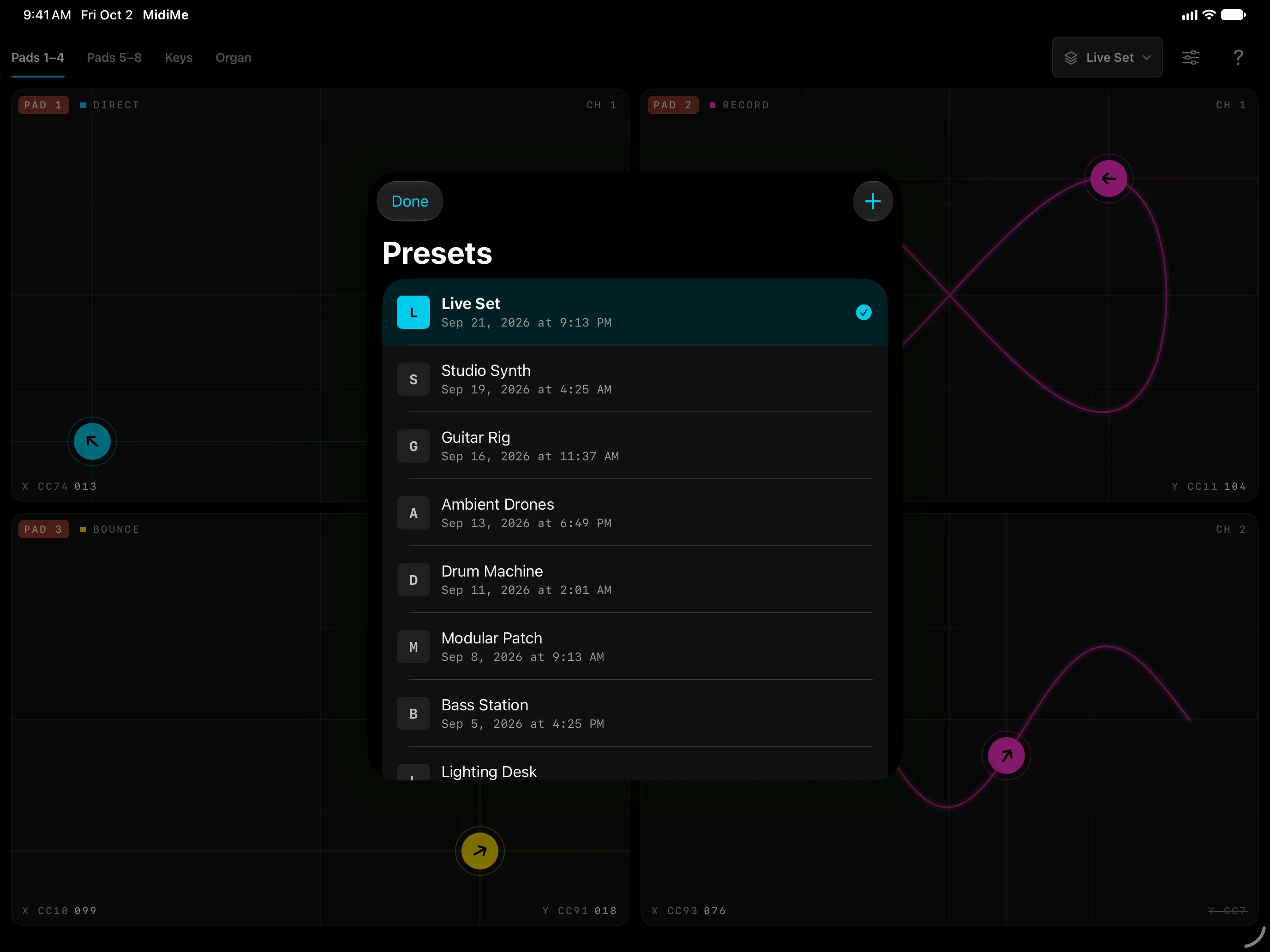
Your setup saves as you go. A one-time $5.99 unlock lets you keep as many named presets as you like and switch between them. If you bought MidiMe before 3.0, presets are already unlocked.
Inside
No extra hardware: MidiMe sends MIDI over Wi-Fi to your Mac or PC, or through a USB interface to anything with a MIDI input.
Reviews
From MidiMe's App Store reviews
★★★★★
It looks like some sort of game upon first impression, but this app is actually quite unique. Some really interesting modulations are possible, and as far as midi xy apps go, this one is probably the best.
★★★★★
It seems like a simple app at first, but you can get some really complicated modulations happening very quickly. It's really fun and inspirational.
★★★★★
I had no idea this was even possible, now I can hardly put it down. Automating the X/Y is so much fun!
★★★★★
For the kind of music I do this is a superb workable and intuitive midi controller.
★★★★★
Brilliant app! So easy to set up, been playing with it all day. I'd recommend this to everyone.
★★★★★
Very effective-the simplest of the more sophisticated DAW Controllers to setup & use
Coming soon
For iPhone and iPad: free to download, with a one-time $5.99 unlock for unlimited presets.
Coming soon